
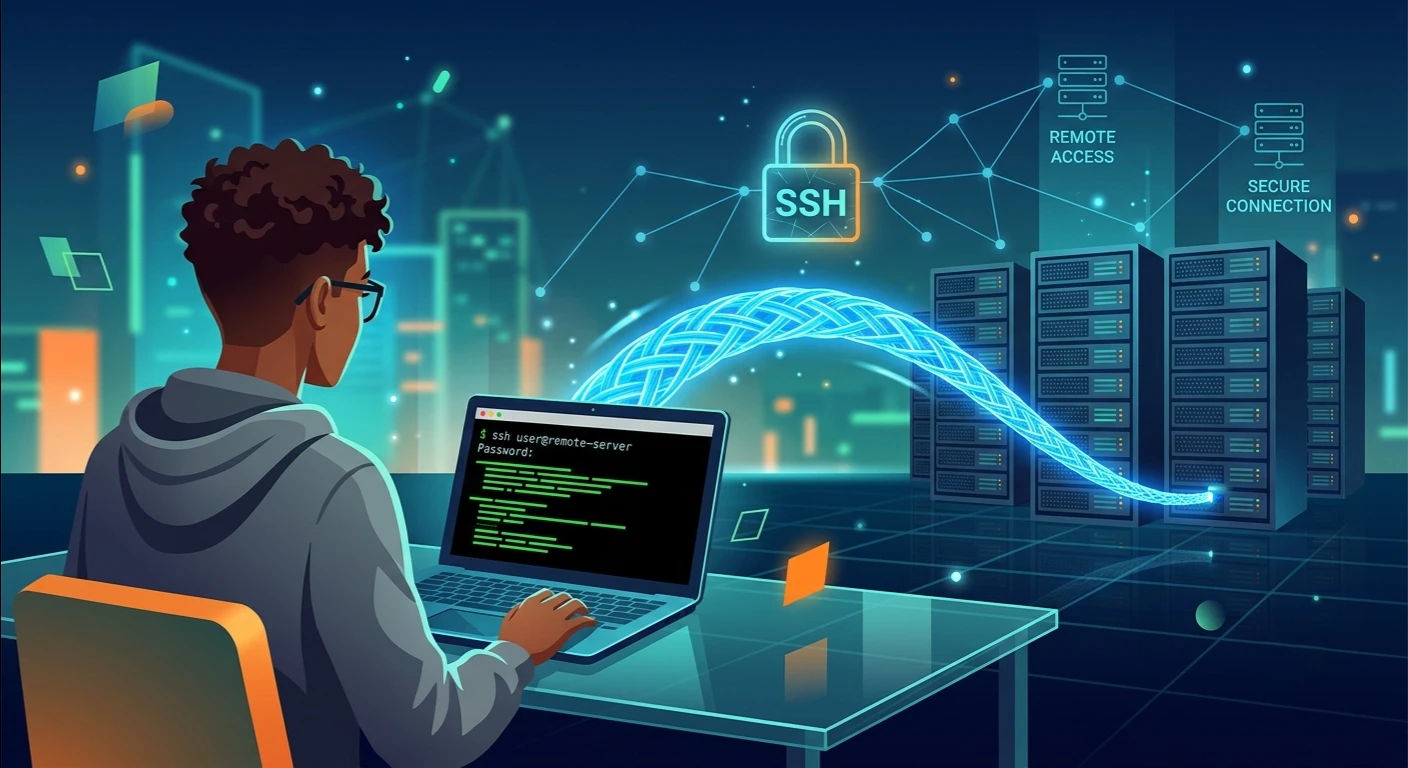
One of the most secure and reliable ways to connect with a remote system via a network is through SSH. From a system admin, developer, business owner or IT professional’s standpoint, SSH enables you to handle the server securely from almost any location. Unlike traditional remote access techniques, SSH encrypts all communication, protecting sensitive information from unauthorized access and cyber threats.
Businesses are increasingly using cloud computing and off-site infrastructure, making it imperative that they understand SSH remote access. This guide will cover the reasons behind SSH, how it works, how to set it up, and some security tips and tricks that will help you enjoy a secure connection to the remote computer without fear.
How to Use SSH Remote Access?
SSH remote access is the ability of connecting securely to another computer/server via a network using the Secure Shell protocol. It allows you to access a remote machine by the SSH command line (shell) while keeping everything that is sent and received encrypted.
Secure Shell is an encrypted communication protocol that supersedes the Telnet and other older less secure protocols. Secure Shell remote access offers flexibility and security, allowing users to access personal VPSs or enterprise infrastructure.
Users commonly use SSH remote login to access Linux, Unix, macOS, and Windows systems that support OpenSSH.
How Does SSH Remote Access Work?
Once you verify the host successfully, the SSH protocol encrypts all communication, keeping commands, passwords, and transferred files secure from attackers.
By default, SSH uses port 22, but administrators sometimes change the port number for security reasons.
The Advantages of SSH Remote Access
There are many benefits that SSH remote access offers to individuals and organisations.
Secure Communication
The most significant advantage is the encrypted communication. Eavesdropping and data interception is prevented on all Remote SSH connections.
Efficient Administration
The Remote command execution feature enables administrators to restart services, install software, update systems, monitor performance, and use automation to handle repetitive tasks, while remaining in the same workstation.
SSH Server Setup
The machine to which the SSH remote access is being applied should have an SSH server installed.
A typical setup of an SSH server is:
- Installing an OpenSSH server on the system.
- To enable the SSH service:
- Configuring firewall rules.
- Creating user accounts.
- Verifying network connectivity.
OpenSSH packages are already included in many Linux distributions and it is quick and easy to install.
Connecting to a Linux Server
One of the most common applications of SSH remote access is SSH access to Linux server environments.
A connection is normally established by the user typing a command like:
ssh username@server-ip
This is the most basic command, which will start an SSH terminal connection and allow the administrator to run commands, edit files, install packages and see how the server is running.
All of this occurs in the SSH command-line interface, making remote administration fast, lightweight and very efficient.
Understanding SSH Authentication
For every SSH remote access session, authentication is essential.
There are two different ways of authentication:
Password Authentication
Users are required to put in their account password while logging in. While simple, passwords alone are not as secure if they are weak credentials.
SSH Key Authentication
The much safer way is to use SSH key authentication, which is based on cryptographic key pairs.
The system generates:
- an SSH public key
- an SSH private key
The public key is placed on the server, and the private key is securely kept by the user on his own machine. The server checks who owns the private key during the logon procedure without revealing information.
Many organizations also support Passwordless SSH logins, which means that users can log in via SSH keys without entering a password, but still enjoy high security.
SSH Configuration Best Practices
Adjusting SSH configuration for usability and security benefit. These are some of the recommended practices for configuration:
- Disable root login.
- If it’s applicable, change default SSH port 22.
- Allow SSH key logon rather than username/password logon.
- Limit login attempts.
- Restrict user access.
- Allow logging for audit.
- Keep OpenSSH updated.
A secure configuration is one that minimizes risk of unauthorized access.
Implement SSH Security Best Practices
Implementing SSH security best practices is crucial in securing servers from cyber threats.
Important recommendations include:
- Always use strong SSH keys.
- When possible, don’t use passwords for authentication.
- Rotate keys regularly.
- Update OpenSSH software.
- Monitor login attempts.
- Limit access with firewalls.
- Use Multi-Factor Authentication (MFA) where possible.
- Eliminate unneeded user accounts.
- Check server logs regularly.
These measures will make a big difference when it comes to SSH remote login security.
SSH Remote Access: A Variety of Purposes
There are many things performed every day that depend on SSH remote access.
Examples of popular uses are:
- Managing cloud servers
- Maintaining VPS hosting
- Performing software deployments
- Editing configuration files
- Running automated scripts
- Monitoring server resources
- Database administration
- Backup management
- Application maintenance
- Secure system troubleshooting
Due to its ability to be flexible, SSH is still widely used for professional remote server management.
Useful Tips for Resolving SSH Connection Issues
Users may have connection problems when creating an SSH remote access connection.
Common causes include:
Incorrect Credentials
Check usernames, passwords or SSH keys, and don’t log in again if they do not match.
Firewall Restrictions
Make sure that SSH port 22 or the custom port configured is exposed.
SSH Service Not Running
Verify that OpenSSH server service is running on the remote machine.
Configuration Errors
Check your SSH configuration file for any misconfigurations or syntax errors.
Network Connectivity
When reconnecting, verify the server IP address and internet connectivity.
If you are experiencing any problems with SSH, they can be fixed at a glance with systematic troubleshooting.
Why is SSH Remote Access Important to Businesses?
In the digital era, businesses are dependent on cloud-based systems, and SSH remote login is a crucial aspect of their operations.
IT personnel use it for software updates, patching, Infrastructure monitoring, deployment of applications, and emergency maintenance. Managed hosting providers use SSH to securely manage client environments, while developers use it to deploy code and manage servers.
Conclusion
Secure remote administration continues to be the industry standard, SSH remote access. With robust authentication features, encrypted communication, and flexible management options, it is an essential tool for businesses and individuals alike. SSH offers a reliable and secure solution, whether you’re dealing with Remote server management, setting up SSH access to a Linux server, configuring an SSH server, or implementing SSH security best practices.
With this knowledge, you can make the best of security and efficiency by using SSH key authentication, securing your SSH public key and SSH private key, configuring SSH properly, and using Remote command execution. As remote infrastructure grows, anyone managing modern servers and networks will find SSH remote access increasingly useful.