
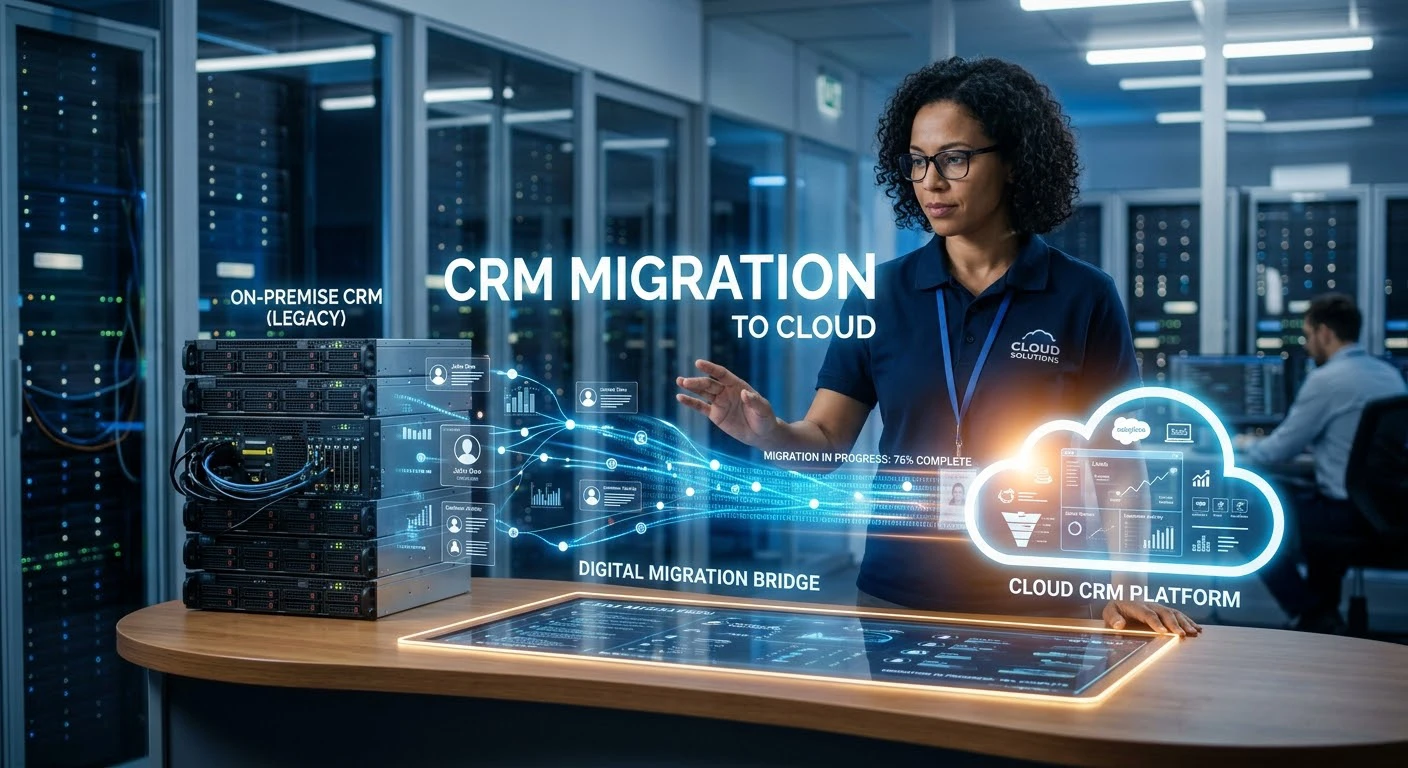
CRM Migration to cloud often begins with a clear business need. Rising costs for replacing on-premise CRM hardware, limited remote access to customer records, or growing demands for advanced reporting can all drive the decision. A cloud-based CRM helps address these challenges by improving accessibility, flexibility, and reporting capabilities. Whatever the reason, the goal remains the same: move CRM operations to the cloud for a more efficient and scalable system.
Not a small project! Your CRM stores years of customer history, sales pipelines, support tickets, and relationship data. A poor migration can cause data loss, disrupt workflows, and reduce your sales team’s trust in the system. The proper direction will create a more scalable business, more integrations and access from anywhere. This step-by-step guide will help you understand what a cloud CRM migration entails and how to handle it without it going up in flames.
Why Migrate to the Cloud?
Legacy CRM projects are often approved for a few common reasons:
- Cloud-based CRM systems eliminate the need for VPNs or onsite servers.
- The increased cost of maintenance – every year, older on-premise hardware and licensing become more expensive to maintain.
- Scalability constraints – legacy systems may not scale well as data and user numbers increase
- Integration requirements – modern marketing, support, and finance tools are much easier to integrate with a cloud CRM solution than with legacy databases
- Security and compliance — Cloud providers invest more in security infrastructure and use resources more efficiently than many companies.
- AI tools and improved reporting — The majority of CRM advancements are being made in the cloud, not on-premise —
Modernizing CRM is more than just about hosting location — it’s often the starting point for a larger CRM cloud transformation that impacts workflows, integrations and how teams use their data day-to-day.
CRM Migration
It’s not a simple “copy the database and change the login URL. It normally can be divided into a number of different stages:
- Audit and assessment – knowing what information is available, where it is stored and how it is clean.
- Planning for CRM migration: identifying the old fields, the fields to be archived, and the fields to be discarded to move to the new field.
- Environment setup includes configuring the new cloud CRM platform, permissions and integrations.
- The real exchange of records, files and history is known as a CRM data transfer.
- Testing and validation — making sure all the data was mapped correctly and that nothing was critical was lost
- This will include cutover and training (going live and making team familiar with the new system)
- Post migration support – solving problems that only occur after the migration has taken place
Most CRM migration process failures happen because of missing steps in the process right from the beginning, particularly the audit and testing steps. Technology is not the reason for the failure of migrations, it’s the haste in which they’re planned.
Migration Roadmap
A sound CRM migration plan must define what “done” means. Otherwise, scope expands, testing gets rushed, and the project may never finish. Some early planning concepts to keep in mind:
- Take stock before migrating. It’s not possible to move what you don’t document: custom fields, workflows, automation rules and integrations must be documented.
- Pre-clean data; not post-clean. Copying and moving old or duplicate records to a new system just moves the mess to a shinier place.
- If possible, do a phased migration. It is less safe to do a cutover in one weekend, than in departments, regions or data types.
- Maintain a rollback plan. Be aware of what you would do if something goes wrong during the migration.
- Include end users early in the process. After Go Live, there is much more likely to be resistance from sales and support teams who were not consulted.
Data Migration
The heart of all the risks in CRM database migration is the database itself. Map customer records, deal histories, notes, attachments, and custom objects from the old system to the new one. Most legacy systems need cleanup before migration.
Common problems that occur when transferring CRM data are:
- Copy down records of contact and accounts that were never deleted.
- The old system has custom fields that do not exist in the new one.The old system includes custom fields that are not available in the new system.
- Orphaned Deals, Disconnected Contacts (broken relationships between records).
- Emails and attachments which are not automatically transferred.
- Skipped or irregular dates and phone numbers, or currency formats, over the years from manual data entry.
Automated CRM migration tools handle this work, but humans must oversee field mapping, deduplication, and bulk transfers. No tool can make a judgement call as to which of the duplicate records is the “real” one, that typically requires a human with the business knowledge.
Platform Considerations
CRM migrations vary by platform, and your chosen CRM shapes the migration process.
Salesforce migrations often require reviewing custom objects, workflows, and third-party integrations for rebuilding or reconfiguration.
Microsoft Dynamics 365 migrations often focus on integrating the CRM with Outlook, Teams, and Power BI.
The lesson remains the same, regardless of which platform you are migrating to: know what you are moving, carefully map, and test before you can trust it.
Security
A secure CRM migration protects data throughout the entire migration process. This involves the encryption of data in motion, limiting access to migration tools and staging sites, and tracking and auditing who did what and when during the migration. Access controls are another important aspect to consider when migrating customer data, as any gap can escalate into a real incident during a window of high risk like migration.
A CRM backup and migration approach — keeping a full, verified backup of the legacy system before touching anything — is non-negotiable. If something goes wrong mid-migration, that backup is the only thing standing between a bad day and a genuine data loss event.
Migration Partner
Enterprise CRM migration projects, in particular, often benefit from bringing in outside expertise. CRM migration services and consulting partners bring pattern recognition from having done this dozens of times — they’ve seen which shortcuts cause problems six months later and which don’t.
A good CRM migration partner should offer:
- A clear, documented CRM migration process with defined milestones.
- Experience with your specific source and destination platforms.
- A testing and validation phase before full cutover.
- Post-migration support, not just a handoff on go-live day.
- Transparent handling of CRM integration with your other business tools.
That said, plenty of smaller migrations are manageable in-house with the right internal planning discipline — the deciding factor is usually data complexity and internal technical bandwidth, not company size alone.
FAQs
1. How long does a CRM migration to cloud typically take?
It varies widely based on data volume and complexity, but small businesses often complete migrations in a few weeks, while enterprise CRM migration projects with heavy customization can take several months.
2. Will we lose data during a CRM migration?
Data loss risk comes primarily from skipped testing and inadequate backups. With a proper CRM backup and migration process and validation before cutover, data loss is largely preventable.
3. Do we need a CRM migration partner, or can we do it ourselves?
It depends on data complexity and internal expertise. Straightforward migrations work well in-house, while complex systems often need CRM migration consulting.
4. What’s the biggest risk in CRM data migration?
Poor data quality going in — duplicate records, broken relationships, and undocumented custom fields tend to cause more problems than the technical transfer itself.
5. Can we migrate to a cloud CRM without disrupting daily operations?
Yes, phased migrations by department, data type, or region are common precisely to minimize disruption compared to a single full cutover.
Final Thoughts
CRM migration to cloud is as much a data and change-management project as it is a technical one. The businesses that get it right treat the audit and planning phases with the same seriousness as the actual data transfer — because that’s usually where migrations quietly succeed or fail. Done properly, the payoff is a system that’s easier to maintain, scales with the business, and actually gets used by the team it was built for.