
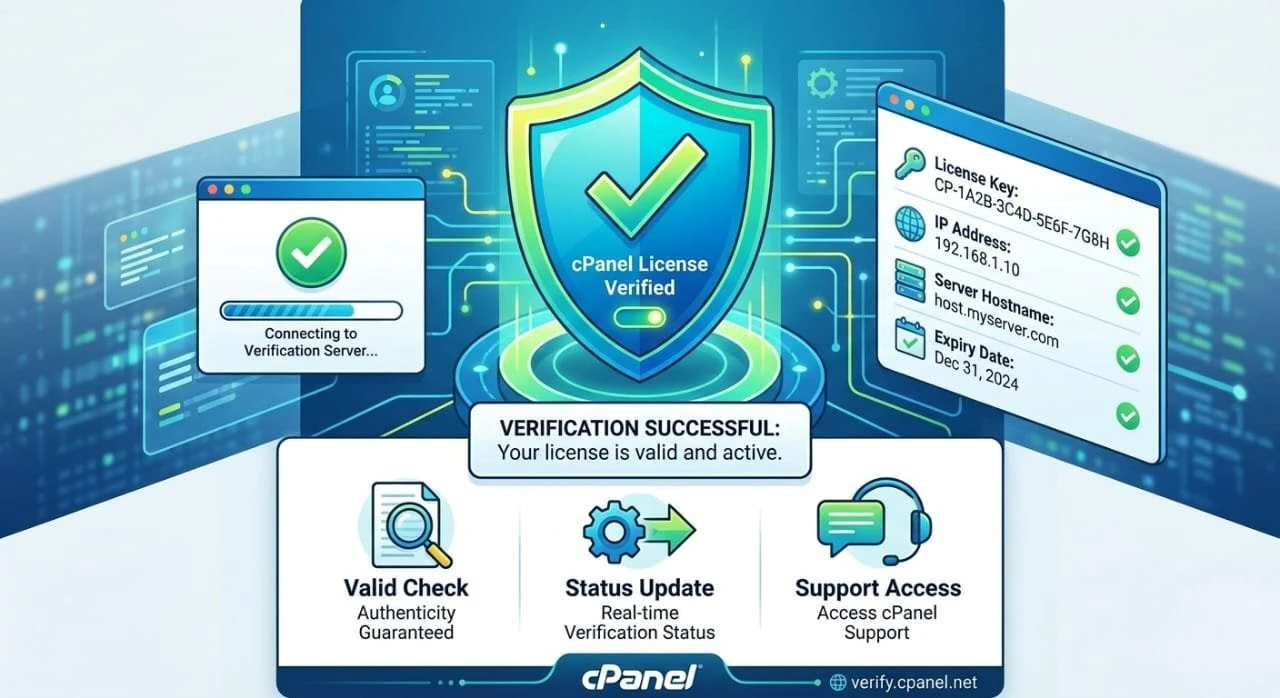

Verifying cPanel license is one of the most critical processes in the web hosting business after installing your server. You will have no hosting control panel without a valid license and it is possible that your service will be interrupted.
It does not matter whether you are a beginner or a company working with server management, this guide will make you know how to conduct a cPanel license check, troubleshoot problems, and what alternatives can be used (such as DirectAdmin and Plesk).
What Does it mean to verify cPanel License?
Checking cPanel license The checking cPanel license is the process of confirming that your server is utilizing an active and valid license issued by cPanel. This is necessary due to the fact that the whole WHM/cPanel control panel will not work without a licensed environment. No valid license provides the possibility to lose access to the necessary features and your hosting services may become unstable or even not available at all.
By carrying out a cPanel license check you are basically checking that your IP address is properly registered into the cPanel licensing system. This is to guarantee you that your control panel can talk to cPanel servers, updates as well as security patches. You can also administer websites, emails, databases and server configurations without any disruptions using a valid license.
Good cPanel license activation check will assist you:
- Assure continuous hosting services.
- Log into all cPanel functionality.
- Update and security patches.
- Avoid license suspension
cPanel Access Default Port
To do a license check, you must log into your cPanel or WHM panel using the proper cPanel port.
The default ports are as follows:
- cPanel (User Panel): 2082 (HTTP), 2083 (HTTPS)
- WHM (Admin Panel): 2086 (HTTP), 2087 (HTTPS)
Example:
To log in and execute license verification commands, it is necessary to use the correct port with cPanel.
How to Check cPanel license (Step-by-step)
1. The first method is Command Line (SSH Method)
This is the most widespread technique employed by administrators.
/usr/local/cpanel/cpkeyclt
This command checks the cPanel license activation and updates your license.
2. Fetch License Status through a Browser
Check cPanel license status can also be done with the official cPanel license check page.
Steps:
- Click on the cPanel license verification page.
- Enter your IP server.
- Click verify
It is fast and easy to use with newcomers.
3. WHM Dashboard Verification
Inside WHM:
- Go to Server Status
- Click License Information
Here you can see the status of your license, active or expired.
The most frequent Problems during cPanel License Check
Your cPanel license check can break. The following are typical reasons:
1. Expired License
In case your license is out of date, please call your provider or server management company.
2. IP Address Change
The licences are attached to IPs. To change your server IP, you need to reactivate it.
3. Firewall Blocking
Make sure that outbound connections are permitted to license them.
4. Network or DNS Problems
Problems in connectivity may hinder successful verification.
Server Management Company Role
In case you do not feel at ease with server work, a server management firm can do it:
- Perform license verification
- Handle server configuration
- Fix WHM/cPanel issues
- Track availability and security
This comes in handy with business organizations that are extremely dependent on uptime.
cPanel, DirectAdmin, Plesk
It is important to select the appropriate control panel. Let’s compare:
cPanel vs DirectAdmin
- cPanel: Rich and easy to use, however, costly.
- DirectAdmin: Small, cheap, and faster.
DirectAdmin vs cPanel
Compared to cPanel, which remains the most usable and supported, DirectAdmin is becoming more popular as it is cheaper.
Plesk vs cPanel
- Plesk: Windows server improved.
- cPanel: Linux hosting of choice.
Recent cPanel WHM News and Updates
It is significant to keep abreast of cPanel WHM news since:
- The models of licensing are changing.
- Security fixes are published on a regular basis.
- New features enhance useability.
Recent changes are concerned with:
- Improved security layers
- Better UI in WHM
- Enhanced account management
Popular cPanel Themes
cPanel offers different themes for better user experience:
- Jupiter (Default modern theme)
- Paper Lantern (Older theme)
cPanel theme customization assists in enhancing client usability.
Best Practices of cPanel License Management
To prevent problems, observe the following:
- Always renew your license in good time.
- Keep track of your server IP.
- Reliable hosting provider should be used.
- Regularly perform a check cPanel license status
- Keep your server informed.
FAQs
1. What is the fastest way to check cPanel license?
The command can be run:
/usr/local/cpanel/cpkeyclt
This does a real-time check of cPanel license activation.
2. What will occur when my cPanel license expires?
Access to your WHM/cPanel might be limited and hosting services might become inoperable until renewed.
3. Is it possible to use cPanel without a license?
No, cPanel cannot work without a valid license.
4. How frequent is the check of cPanel license status?
A cPanel license check is suggested at least once a month or following changes in the server.
5. Is DirectAdmin superior to cPanel?
It is based on your requirements. Directadmin and cPanel comparison The directadmin is less expensive whereas cPanel is more featureful.
6. Plesk vs cPanel: Which is superior?
Plesk and cPanel are suitable in the plesk vs cpanel argument with Plesk being suitable in Windows hosting and cPanel in Linux servers.
Final Thoughts
It is critical that a person who manages a hosting server learns how to check cPanel license. Valid license guarantees the smooth running, safe running and uninterrupted running of your control panel.
The above steps will help you prevent downtime and maintain a stable hosting environment by keeping up with the cPanel WHM news. However, regardless of whether you are self-administering or contract a server management company, license checks are a necessity in the long-term success.